Infinite Backrooms Guides Hub
Practical tutorials for the Steam demo and Early Access week prep.
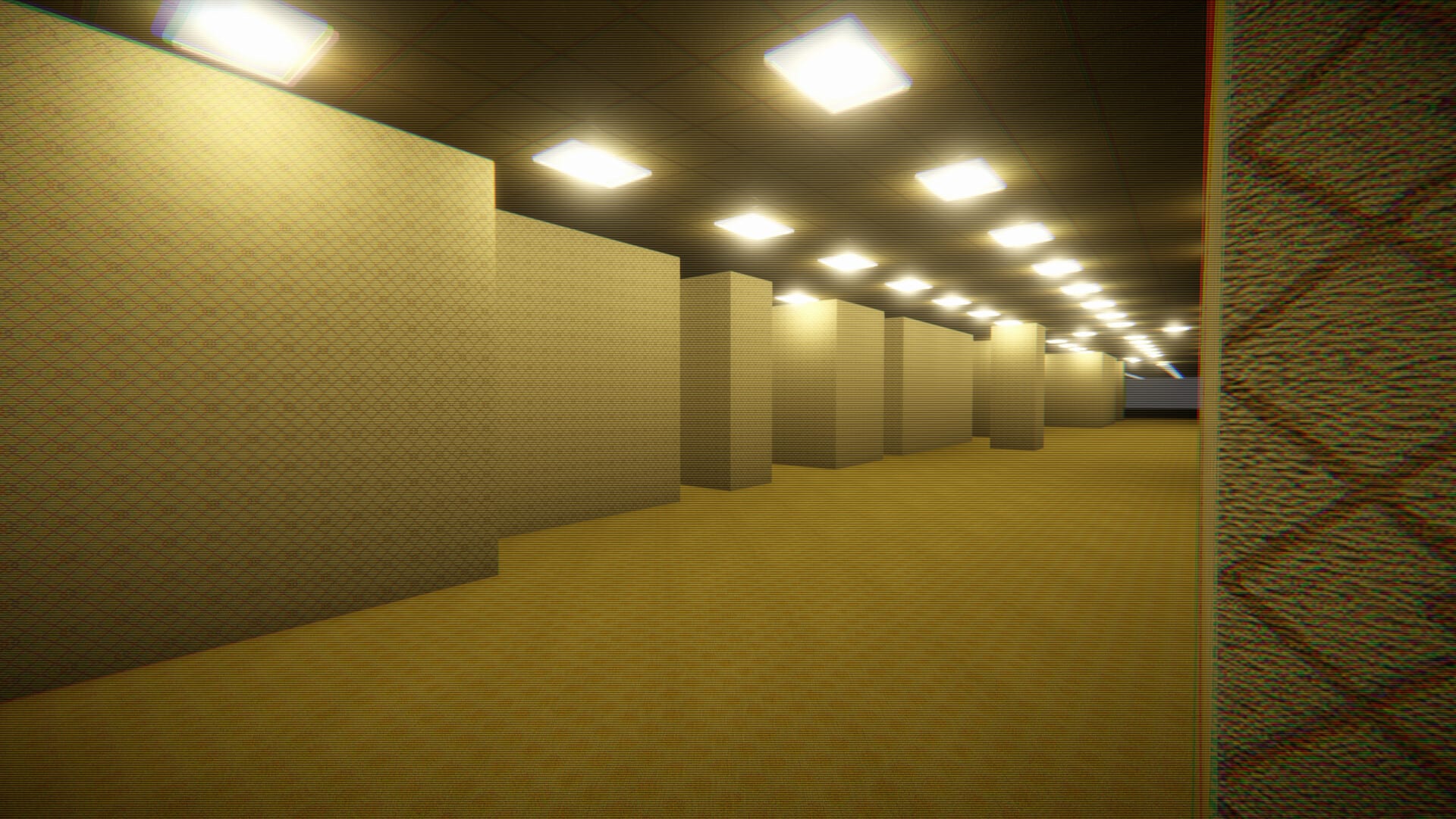
Welcome to the Infinite Backrooms Guides Hub. This section is for players who want a seamless procedural Backrooms world — not a handcrafted maze with invisible walls — and need clear answers before fluorescent fatigue sets in.
Infinite Backrooms (Steam app 4673710) by ww_azevedo / @OverrideGameStudio plans Early Access around August 14, 2026. The demo already includes online co-op, proximity VOIP, shareable seeds, five interconnected environments, Bacteria, No Entity Mode, and a rare Exit room. Use this hub as your tutorial map. The PC nav dropdown shows the top guides and links here for the rest — open this page whenever the menu says View all.
Start here if you are new
- Getting Started — first-hour mindset (includes a real demo video).
- How to Play the Demo — Steam install and expectations.
- Controls — movement and audio as gameplay.
- FAQ — quick answers before deep dives.
Tourism vs horror
- Calm lane: No Entity Mode → Exploration Tips → Environments Hub
- Tension lane: Survive Bacteria → Find the Exit → Exit Update
Seeds, voice, and friends
- Seed System + Seed Notepad
- Co-op Multiplayer + Proximity VOIP
- Patch context: Multiplayer Demo Update
Launch-week prep
If you are deciding whether to wishlist or buy near August 14, read Wishlist & Early Access Prep, the Early Access Roadmap, and the Infinite Backrooms Review. Confirm hardware on System Requirements.
Recommended reading orders
Calm explorers: Getting Started → No Entity Mode → Exploration Tips → Seed System → Environments Hub.
Horror-first: Getting Started → Survive Bacteria → Find the Exit → Proximity VOIP → Co-op Multiplayer.
Hosts: System Requirements → Co-op Multiplayer → Proximity VOIP → Seed Notepad → Wishlist & Early Access Prep.
Full guide index
- Getting Started
- How to Play the Demo
- Controls
- Survive Bacteria
- Find the Exit
- Seed System
- Co-op Multiplayer
- No Entity Mode
- Proximity VOIP
- Exploration Tips
- Wishlist & Early Access Prep
- FAQ
- Infinite Backrooms Review
Continue into Tools Hub and Updates Hub for utilities and patch pages. Pick one intention per night — the infinite world will still be there when you return.
How the navigation dropdown works
On desktop, each category menu shows a limited number of links plus View all when the list grows. That keeps the header usable. If you cannot see No Entity Mode, Proximity VOIP, Exploration Tips, Wishlist prep, or FAQ in the dropdown, they are still published — use this hub’s full index.
Quality bar for this wiki
Guides aim for practical depth: when to use a mode, how it fails, and which sibling page to open next. They are not patch-note mirrors. When Steam changes a feature, update club pins and re-check the matching guide. For launch timing near August 14, 2026, keep Wishlist & Early Access Prep beside the Early Access Roadmap.
If you only have one hour this week, complete Getting Started plus a single specialized page. Infinite Backrooms rewards narrow intentions more than tab hoarding.
Frequently Asked Questions
Quick answers about Infinite Backrooms.
Which Infinite Backrooms guide should I open first?
Start with Getting Started, then How to Play the Demo and Controls. Use the FAQ for quick answers.
Why doesn’t the nav show every guide?
Desktop dropdowns cap at eight entries (including View all). Open this Guides Hub for the complete list.
Do these guides cover the demo or Early Access?
They target the playable demo and announced Early Access plans. Mechanics can change — verify on Steam.